15 Biggest Mistakes in Microsoft Azure
We’ve seen common Azure mistakes while managing customer environments as an Azure Expert MSP through the years.
Here are the ones that made the list:
- One subscription in total for all resources
- ClickOps nightmares
- Not creating budgets alerts
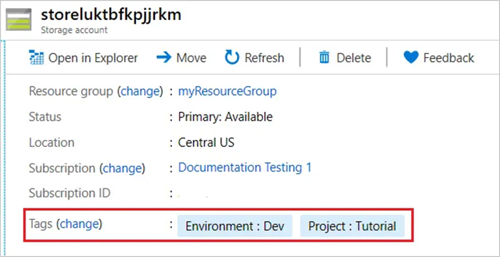
- Forgetting tags
- Inconsistent naming
- Azure Policy standards gone rogue
- No monitoring or alerting in place
- Unfiltered log ingestion
- Forgotten idle resources
- No RBAC Strategies
- Access via all possible ways except Managed Identity
- Not using KeyVault references
- Poorly designed networks
- Over-provisioning resources
- Inadequate backup and disaster recovery strategies
Now let’s dive deeper into each of them; enjoy the ride!
Mistake #1. One subscription for everything
Using a single subscription for all your environments (production, staging, development, etc.) and applications causes more harm than good. It becomes hard to manage access, and it’s easy to give developers too much control, which can lead to accidental changes or deletes in production.
Azure offers tons of RBAC options, although they can’t fully protect you if everything lives inside that one box: the subscription.
The solution
- Like Microsoft itself suggests, utilise separate subscriptions per environment, like separating your development and production subscription.
- Use Resource Groups per app per environment; this ensures things are tidy.
- *Use Service Groups, which are fancy tags, to organise and group resources across subscriptions and resource groups (e.g., “Production apps”, “PCI Scope”, “MyApp”).
*Service Groups are a new feature as of May 2025. Learn more here.
Be sure to follow these tips for your next app, and migrate existing resources along the way.
Mistake #2. ClickOps nightmares
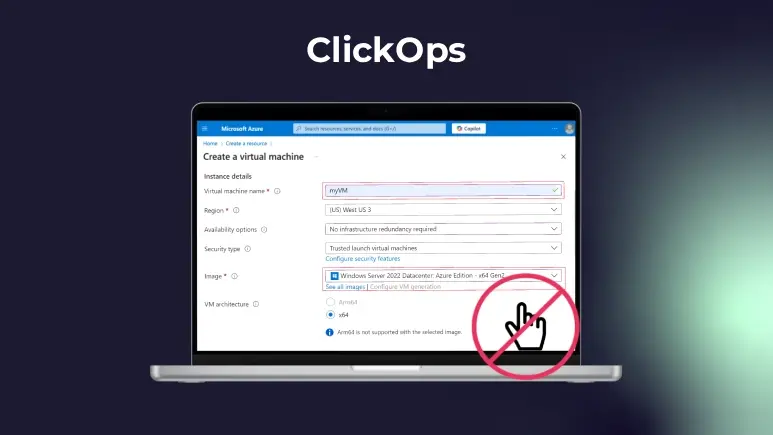
If you ever deployed resources in Azure, you know the Azure Portal is very intuitive and easy to start with. That’s why you see it often in demos. However, it doesn’t scale and leads to more problems in the long run.
Do you remember or document all the things you click? As your systems grow, it quickly turns into a “mission impossible” to remember or document every click.
The result? Mistakes and inconsistent environments.
The solution
Move away from ClickOps to Infrastructure as Code; a more reliable and efficient way to manage your infrastructure. There are many IaC tools widely available such as Azure Bicep, Terraform, etc. to achieve consistency, a single source of truth, and simplified documentation. All in all, IaC makes managing and scaling your infrastructure more efficient.
Mistake #3. Ignoring Azure Cost Management: Budgets & Alerts
Now, let’s talk money; we all want to save, right? We already wrote an article about how to optimise for costs in Azure. But this is about, you know; sudden, unexpected bills. You open your Azure invoice and blink. Did we really spend that much? Your teams are deploying new resources, spinning up services; and when things are unmanaged, and there’s:
- No early warning for forecast overrun
- A lack of visibility across teams
- Missed anomalies and fraud detection
The result? Your Azure environment quickly spirals out of control, and costs skyrocket.
The solution
Out of all tips, this one is maybe the most important: Don’t provision ANYTHING until you set up Azure Budgets and Alerts.
- Define a spending threshold for a subscription or resource groups.
- Set multiple thresholds (50%, 80%, 100%) to get early warnings.
- Track actual or forecasted costs over time; monthly, quarterly, or yearly.
- Trigger Action Groups (like email, Functions, or Webhooks) when thresholds are reached.
Only then, you will gain more control over your Azure spend.